
Quick verdict
Use AppStoreStatistics' free rank checker and metadata analyzer for immediate iOS checks, then add Apple Search and App Store Connect evidence. Upgrade only when recurring tracking or team workflows justify it.
Free ASO workflow guide
The best free ASO stack combines a metadata analyzer, a country-specific rank checker, Apple Search suggestions, public chart pages and App Store Connect for exact owned-app performance. Free tools are strongest for one-off validation and diagnostics; they do not replace retained keyword history, large competitor sets or connected analytics.
Shortlist
4
products mapped to a specific workflow, not ranked by paid placement.
Quick verdict
Use AppStoreStatistics' free rank checker and metadata analyzer for immediate iOS checks, then add Apple Search and App Store Connect evidence. Upgrade only when recurring tracking or team workflows justify it.
Commercial disclosure
AppStoreStatistics is included in this guide and sold by the publisher. Competitors were researched from official public materials; no paid placement, private account test, rating, or affiliate ranking is presented.
Selection methodology
01
Only publicly accessible free entry points are counted; a sales demo is not labeled a free tool.
02
Limits can change, so each provider's current product page remains the source of truth.
03
The guide evaluates tasks completed, not the largest number of free reports.
| Criterion | Why it matters | How to evaluate it |
|---|---|---|
| Primary workflow | A broad feature list is poor value when the recurring job is narrow. | Match the product to rankings, keyword research, owned analytics, review operations, paid acquisition, or data infrastructure. |
| Data type | Observed public signals, modeled estimates, and exact first-party metrics answer different questions. | Reject any comparison that presents competitor downloads, revenue, conversion, or keyword volume as official Apple facts. |
| Store and country coverage | ASO and chart results are storefront-specific. | Test the exact countries, categories, apps, and keywords used by the team rather than relying on a global coverage headline. |
| History and exports | A tracker becomes valuable when it retains the history needed for decisions. | Confirm retention, export format, API rights, report limits, and what happens after cancellation. |
| Total operating cost | Software price excludes onboarding, analyst time, engineering, and unused modules. | Compare the full annual workflow cost, not only the smallest price displayed on a pricing page. |
Recommendations by use case
Check one keyword
Returns a country-specific organic position and compact search preview.
Audit public metadata
Checks field lengths, repetitions, storefront signals and update evidence.
Exact owned performance
Apple's first-party console is the correct source for owned impressions, downloads and conversion.
Documented product profiles
AppStoreStatistics is a self-serve iOS research suite for public app entities, country and category charts, keyword ranks, difficulty, suggestions, profiles, gaps, competitors, releases, ratings, original reports, and an evidence-driven ASO AI Agent. It is designed for decisions that can be supported by observed App Store signals without requiring an enterprise data contract.
The product can be evaluated through public charts, reports, methodology, API documentation, and free tools before a paid plan is selected. Exact first-party metrics require an authorized owned-app connection; estimates are not presented as exact competitor data.
Best for: Indie developers, founders, small ASO teams, and researchers who need focused iOS workflows with transparent pricing.
Pricing context: EUR 7.99 monthly, EUR 49.99 yearly after an eligible seven-day trial, or EUR 99.99 lifetime. Free public tools include a rank checker and metadata analyzer.
Official source: AppStoreStatistics ASO tools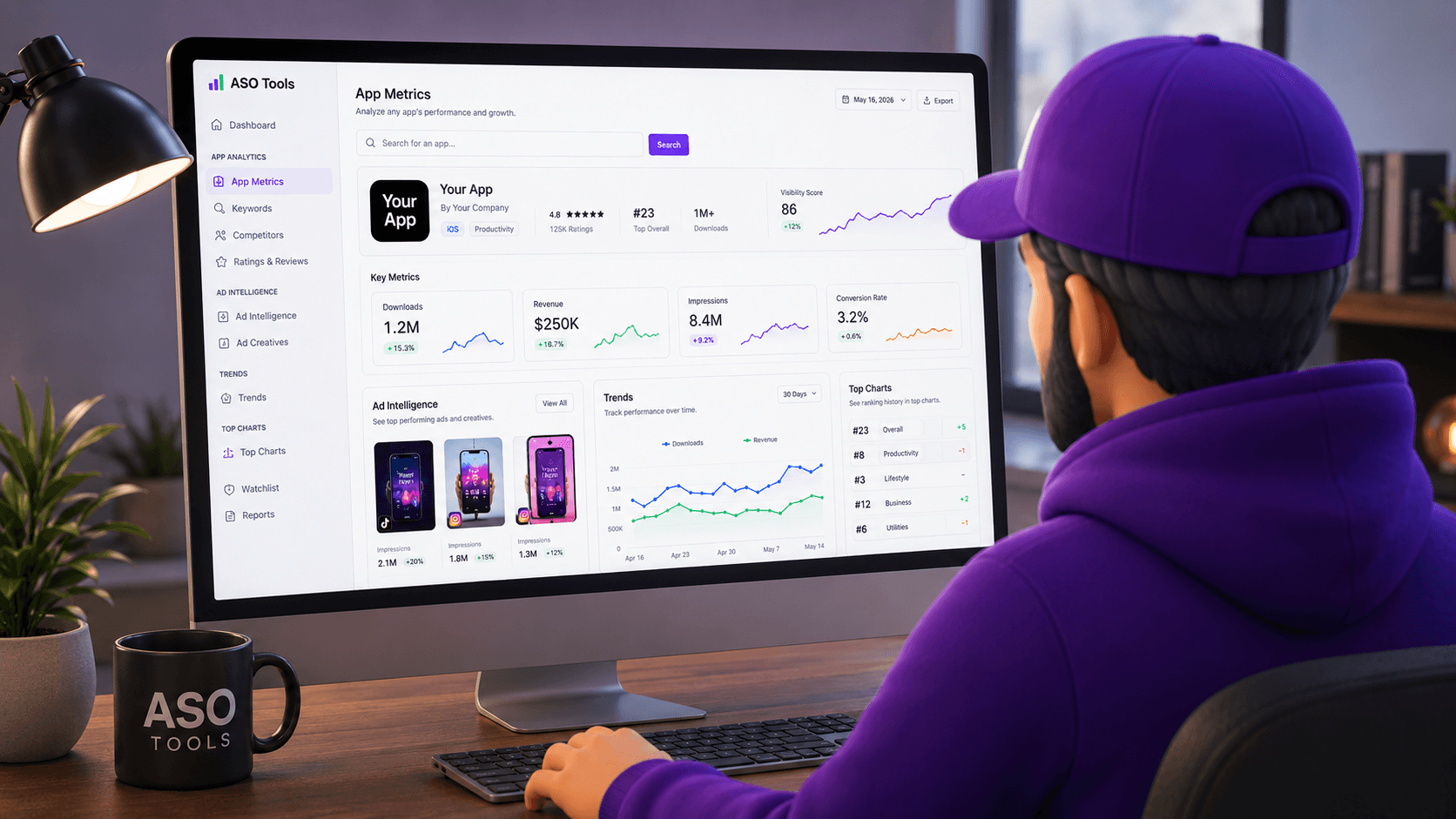
Appfigures combines connected owned-app analytics, monitoring, ASO, Apple Ads, competitor intelligence, and market research. Its main distinction from a public research tool is the ability to place owned performance and operational monitoring inside the same platform.
The assessment uses Appfigures' public platform and pricing pages. No private workspace, connected app, export, or historical data accuracy test was performed.
Best for: Teams that want owned-app analytics and monitoring alongside ASO and public app intelligence.
Pricing context: Plan-based public pricing is available, but features and limits vary by tier and should be checked on the current official pricing page.
Official source: Appfigures platform
App Radar provides keyword tracking, metadata optimization, competitor research, localization, reporting, and managed ASO services. It is oriented toward teams that want a guided optimization process rather than only raw public ranking observations.
Official App Radar product and service pages provide the scope. This guide does not claim a private account trial or a benchmark of ranking accuracy.
Best for: Developers and marketing teams wanting guided ASO workflows, localization support, and optional managed services.
Pricing context: Public product and service offers can change; verify the current plan, app, keyword, and market limits directly.
Official source: App Radar ASO platform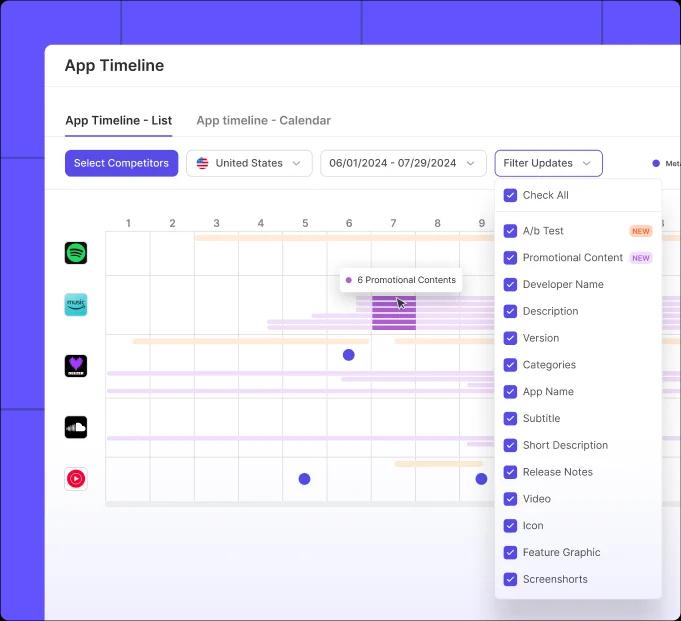
ASOdesk combines keyword intelligence, metadata optimization, app monitoring, review workflows, organic-reporting tools, and agency services. It can fit teams that want a larger operational ASO toolkit and review features in one environment.
The guide is based on ASOdesk's official English-language product materials and documentation links available at the review date.
Best for: ASO specialists and agencies needing keyword operations, review workflows, and reporting.
Pricing context: Pricing and current product availability should be confirmed on the official site; no unverified plan amount is quoted here.
Official source: ASOdesk platform
A useful free workflow can confirm whether an app appears for a keyword, whether public metadata has obvious structural issues and which apps lead a country chart. Those are diagnostic questions with observable evidence.
It cannot reliably create a multi-month ranking history retroactively. It also cannot expose a competitor's private conversion rate, keyword field or exact downloads. Treat any free tool claiming those values as estimates unless its methodology says otherwise.
Upgrade when the team repeats the same check every week, needs alerts across many terms or must connect changes to a retained timeline. The value comes from continuity rather than a larger one-time output.
Before paying, export the free baseline and write down the decisions the paid history should support. This makes the trial measurable and prevents buying a dashboard without an operating process.
On the same weekday, record the app's visible name, subtitle, rating count, update date and primary-country chart presence. Check a short branded and non-branded keyword list, then save the evidence in a simple changelog. The routine creates continuity even when the free tools do not retain history for you.
Review Apple Search suggestions as discovery evidence rather than guaranteed demand. Inspect the apps visible for each term and remove keywords whose results represent a different user intent. Use App Store Connect separately for exact owned impressions, product-page views, downloads and conversion, keeping those private values out of public competitor comparisons.
After a metadata release, repeat the same checks for at least two comparable intervals. Do not attribute every movement to the metadata change: rankings can move because competitors update, charts change, search results fluctuate or the snapshot timing differs. The free workflow is valuable because it records what was observed and what remains unknown.
Keep a compact evidence log with date, version, storefront, query, observed position, chart presence, rating count and a short interpretation note. Link each entry to its public source or saved screenshot, and record a failed check as unavailable rather than zero. This creates useful continuity even when a free tool does not retain history.
Use that log to decide whether paid automation would change behavior. Repeated missing snapshots, manual country checks and forgotten release annotations are measurable reasons to upgrade. A larger output is not valuable if nobody reviews it or assigns the next metadata action.
Review privacy and access boundaries as part of free-tool quality. A public URL should not silently publish a personal analysis, and a metadata checker should not request private App Store Connect credentials. Prefer products that state their sources, cache status, rate limits and storage behavior.
Recheck provider limits before documenting a team process because free quotas, supported countries and exported fields can change. Keep the workflow provider-neutral enough that a changed quota does not erase the evidence already collected.
Evaluate the focused workflow
Check one App Store keyword for free, inspect the methodology, or compare current Monthly, Yearly, Lifetime and Enterprise options.
They can accurately report observable public metadata and current search results. Estimates and hidden Apple metrics require separate qualification.
Yes. AppStoreStatistics provides a free country-specific App Store rank checker with limited daily use.
Yes. The public metadata analyzer checks visible name, subtitle, description, screenshots, ratings and update signals.
App Store Connect provides exact owned-app performance, while public Apple Search and store pages provide observable market signals.
Usually not as a retained daily workflow. Check current limits before relying on any free plan.
Pay when retained history, recurring monitoring, more countries, competitors or team reporting directly support decisions.
Product scope comes from the official sources linked in each profile and was reviewed on August 22, 2026. Capabilities, limits and prices can change. Competitor names are trademarks of their owners; this independent documented comparison is not sponsored by them.