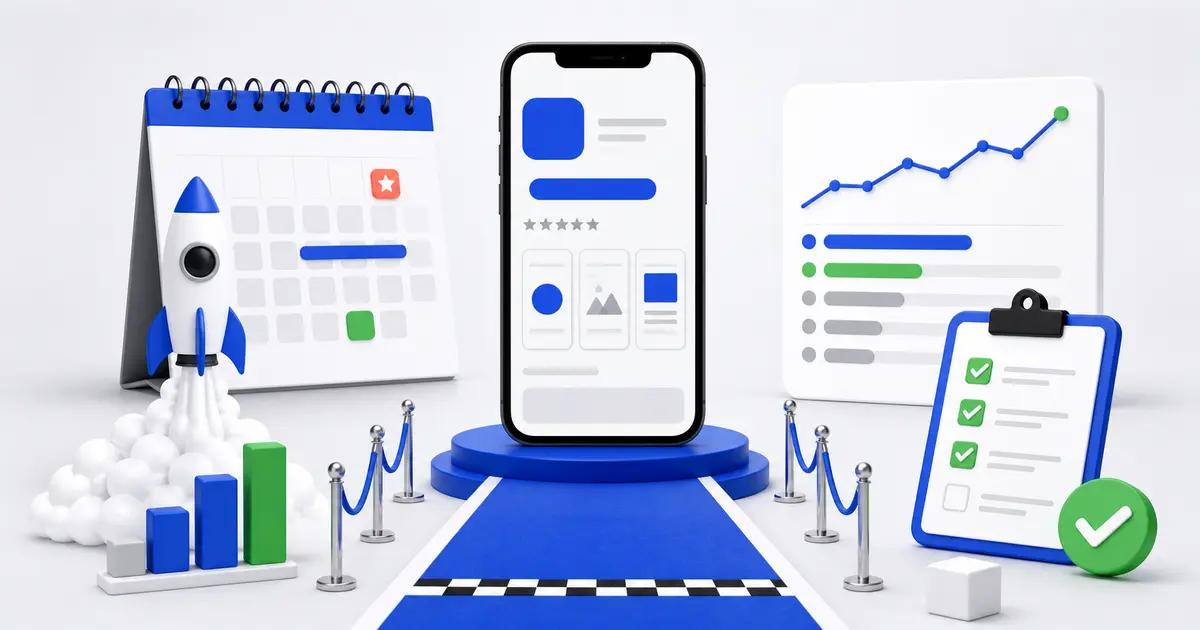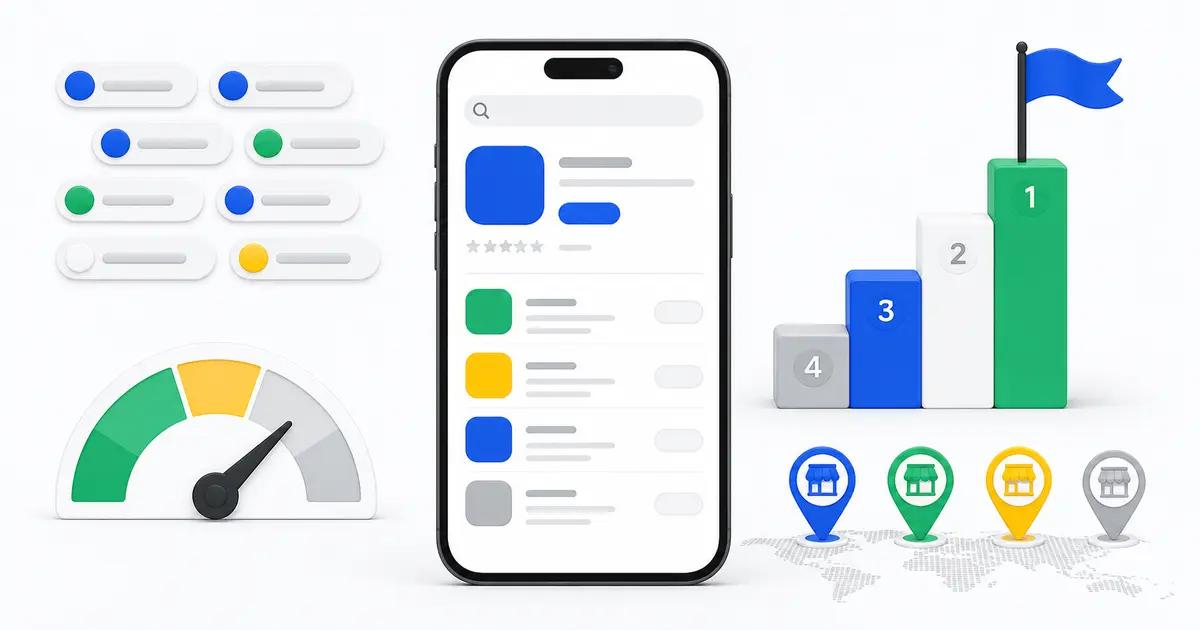
Choose one iOS app, keyword and storefront to see its observed search position. Registered free accounts can then confirm one seven-day observation without a card.
Check an App Store keyword for freeStart by deciding which ranking you need
A chart ranking describes an app's place in a selected storefront, chart type and category. A keyword ranking describes its position in the organic results for a specific search phrase. Both are useful, but they answer different questions. A productivity app can have a strong category position while being absent for a broad search phrase. Do not interpret one as evidence of the other.
| Which free apps lead this market? | Top Free chart | Country, category, time |
| Where does my app appear for a phrase? | Organic keyword rank | Track ID, exact phrase, storefront, scan depth |
| Is monetization visibility changing? | Top Grossing position | Same country, category and chart series |
| Did a metadata test help acquisition? | Owned App Store Connect metrics | Source, period and experiment record |
A repeatable five-step country workflow
- Find the correct app and copy its numeric Track ID. Similar names are not a safe identifier.
- Select the first storefront and one research question. Start with your actual audience rather than every country the tool supports.
- Open the matching public chart, or use the free keyword rank checker with the exact phrase.
- Save the position, source timestamp, scope and whether the result was observed live or reused from cache.
- Repeat in another country as a separate series. Compare the shape of change within each market before comparing countries.
The free checker scans up to 100 returned organic results. Not found means the app was not present within the returned depth. It does not prove that Apple removed the app or that the app has no visibility for other phrases.
A real dated example, not a current rank claim
The frozen public analysis for Notion: Notes, Tasks, AI, Track ID 1232780281, was generated on 2026-08-22 for the US storefront. The saved keyword observation for productivity was #3. This is historical Apple Search evidence, not today's position and not a country-wide chart rank. Inspect the full example before reusing it.
To repeat that research today, select the same app and country, enter the same keyword, and save the newly returned timestamp. A different result is not an error merely because the historical example differs. Search order, source freshness and coverage can change.
Keep a useful observation record
Use one row per measurement: Track ID, country, keyword or chart, category, rank, observation time, source status and scan depth. Record metadata releases or campaigns in a separate annotation column. If a baseline is missing, write unavailable rather than treating the previous position as zero.
For a directional rank change, subtract the current rank from the previous comparable rank. A positive number indicates improvement because a smaller rank number is better. That arithmetic does not estimate extra downloads. The Volatility Index supplies market context, not an explanation of why a particular app moved.
Turn the check into a small experiment
After a successful check, a registered free account can confirm one seven-day keyword observation, without a payment method. Keep the same app, phrase and storefront throughout the test. Missing daily checks remain missing; do not fill them with a straight line and call it measured history.
For broader research, use the Keyword Ranking Tracker and Keyword Difficulty tool. Difficulty is modeled evidence and should be considered alongside relevance, not treated as an official Apple score. Before acting on a cross-country comparison, check whether the app and its public metadata are actually available in each storefront.
Mistakes that make country reports misleading
Do not merge translated phrases into one keyword series, compare different chart types, or describe the provider's collection schedule as Apple's publication schedule. Keep cached and newly observed results distinguishable. Check a suspicious movement twice with the same scope before changing metadata, and use owned analytics to assess any acquisition outcome.
Frequently asked questions
Everything you need to know before you install your first component.
Yes. Storefronts are separate observation contexts, so keep country-specific charts and search results separate.
No. A chart position belongs to a chart and category; a keyword position belongs to an exact search phrase and storefront.
Save Track ID, country, keyword or chart type, category, timestamp, source status and scan depth.
Yes. Use the free checker; after a successful check, an eligible registered free account can confirm one seven-day keyword observation.
Sources and review standard
Platform-specific claims are linked to primary documentation where available. AppStoreStatistics public data is observed or modeled as labeled; it is not private App Store Connect data.
Read methodology